
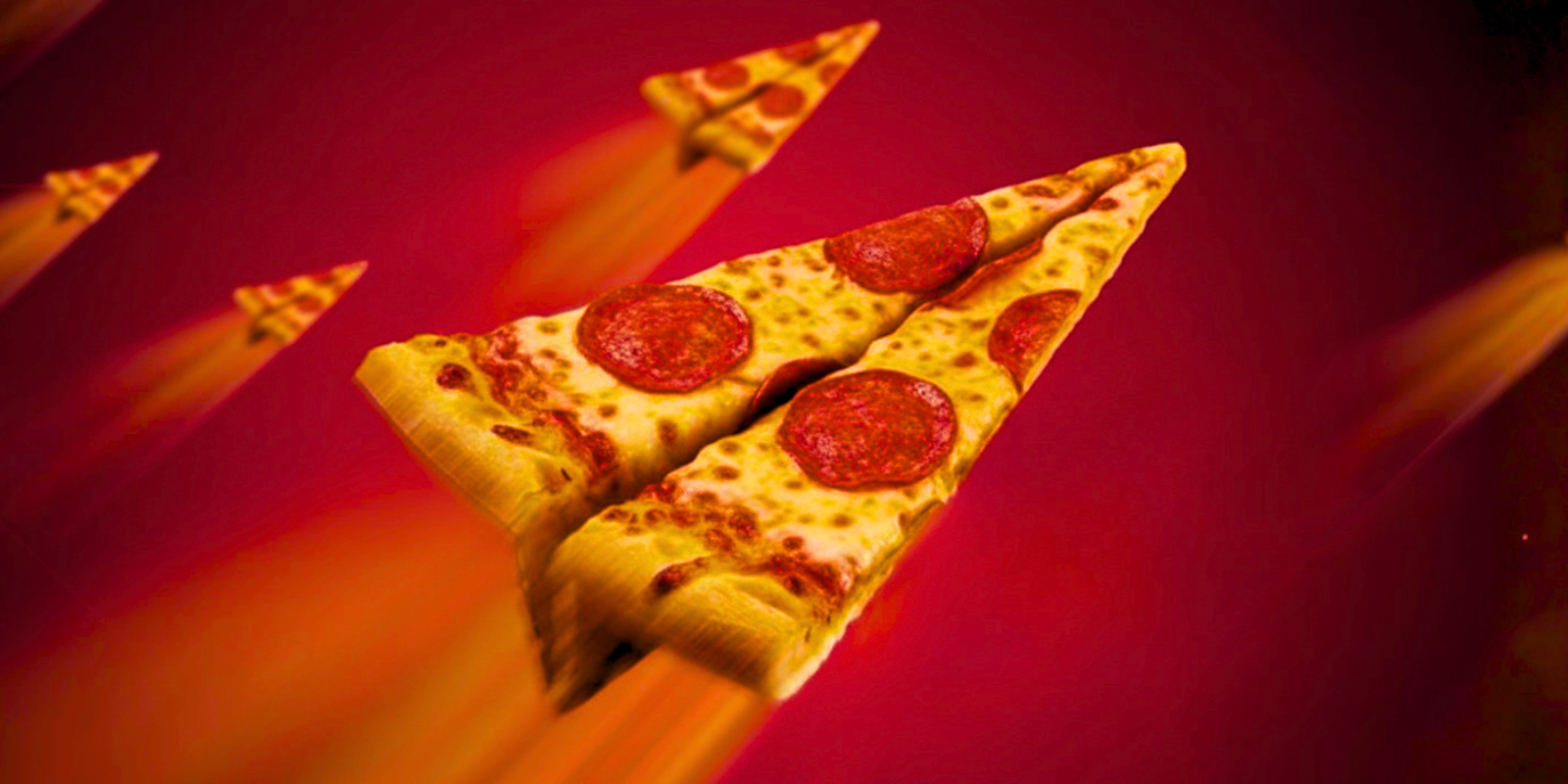
8% decrease in make time
Our partners see an average 8% reduction in make time after implementing the KDS, a difference customers notice and come back for.
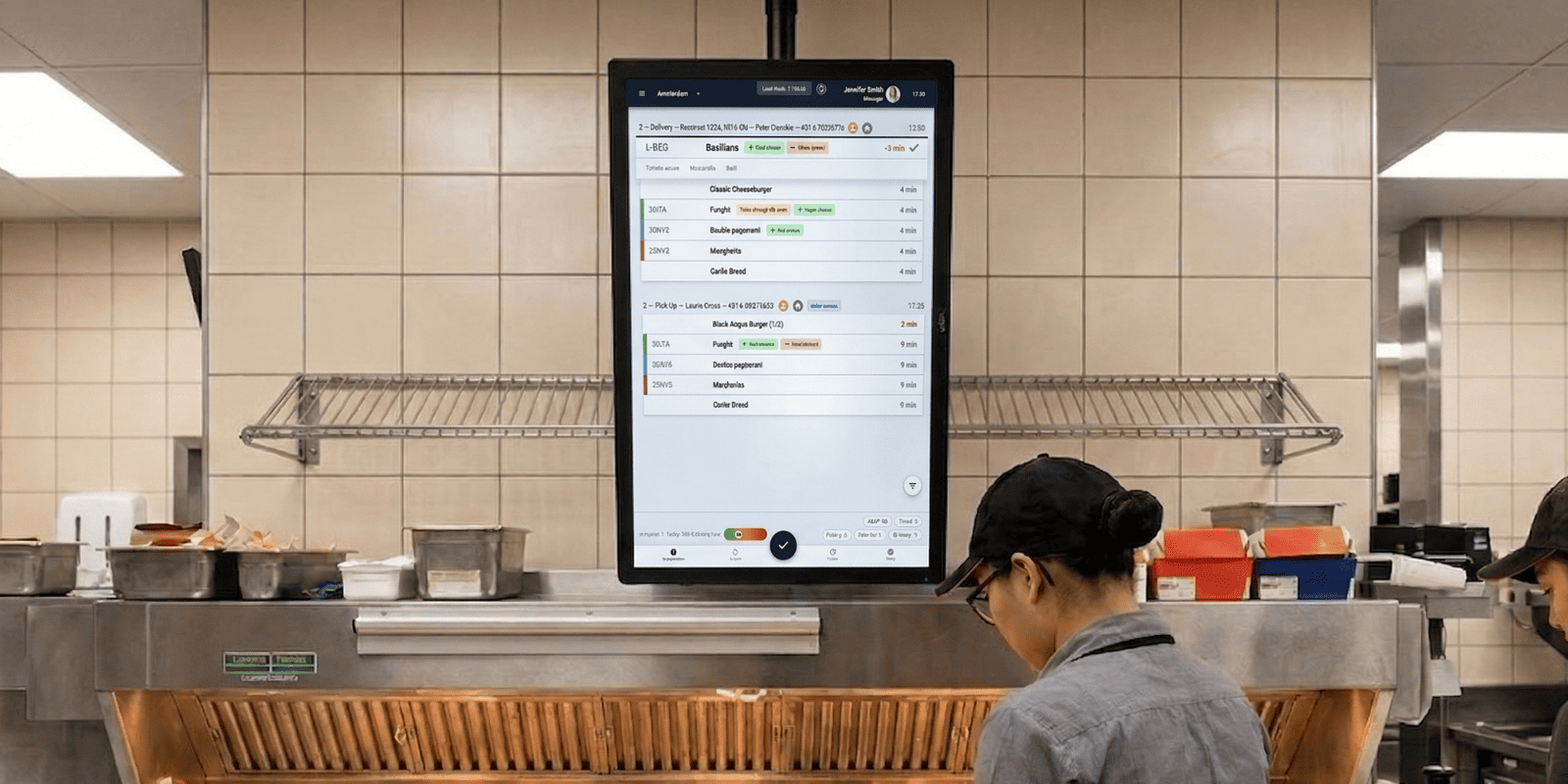
A kitchen display system built around real QSR flows, with a dedicated tab for every stage of preparation, automatic order prioritization by ETA, and smart visual guidance so your staff always knows exactly what to make next.
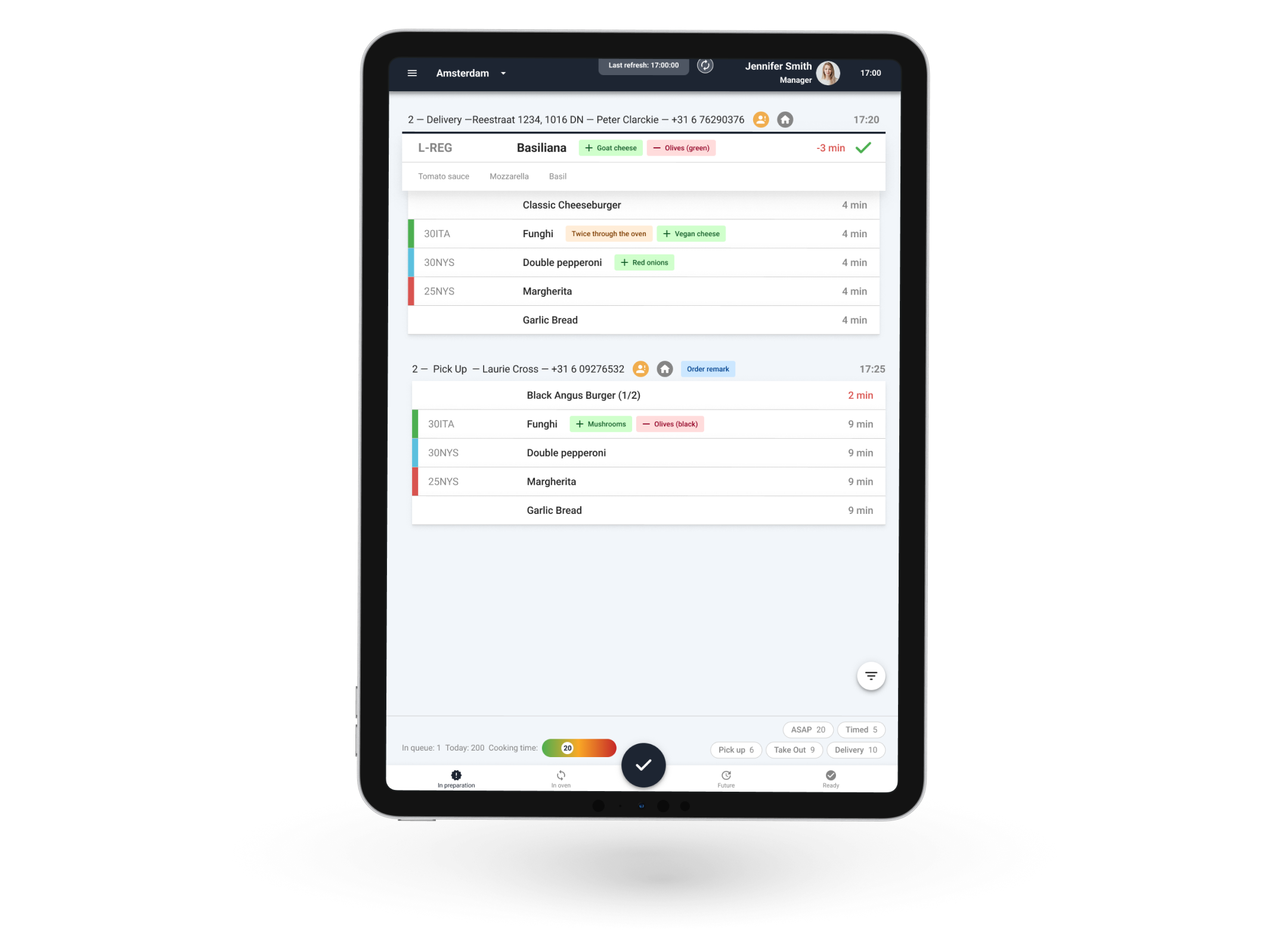
The KDS is built around QSR kitchen flow, with a dedicated screen for each stage of preparation: incoming orders, makeline, shelve-mode, pack station, and delivery dispatch. Each tab can be enabled or disabled per store, so the system matches your operation, not the other way around. Staff move through their shift following a clear, structured flow rather than improvising around a single cluttered screen.
Every new order can trigger a visual and audio notification, so the promised delivery time can be hit. A second reminder fires if orders have been left unattended, and a live countdown timer per order tells staff exactly how much preparation time remains for hitting the promised delivery time.
Orders from every channel flow into one single screen, where they are listed by estimated make time and delivery time. Configurable amount of orders (usually the top 3 – 5) stay pinned, so staff can work on them simultaneously and aren’t disrupted by new arrivals. Identical items can be grouped into a single line, so the kitchen staff works as productively as possible even during rush hours.
Staff can update order status directly on the KDS as preparation moves from make, to oven, to pack, to ready for delivery or pick-up. Each update automatically reflects the ETA and is reflected live on the customer-facing order tracker. When a large or complex order needs more time, staff can manually override the ETA, and the customer sees the updated time instantly.
The KDS guides staff through each product’s exact recipe and preparation steps in the right order. Modifications, substitutions, and allergen flags like gluten-free or vegan are highlighted directly on screen, so nothing gets missed regardless of who’s working that shift.
Color-coded visuals let staff instantly distinguish product types, preparation stages, and special requests without reading every line.
Customer notes, delivery specifics, and business account preferences are displayed alongside the order, so staff have full context before they begin. New customers are flagged directly on the make screen so the team can give them extra attention and make a strong first impression. For example, extra toppings on the pizza or a cookie as a gift.
Timed and pre-scheduled orders appear in a dedicated tab so they never clutter the main prepare screen. At a configurable time before they’re needed (typically 30 to 45 minutes), they move automatically to the “To Prepare” tab, giving staff the right window to prep without rushing or over-preparing too early.
Our partners see an average 8% reduction in make time after implementing the KDS, a difference customers notice and come back for.
Every order from every channel (website, app, POS, aggregators) appears in the kitchen automatically. Nothing gets missed, nothing gets written down wrong, and nothing falls behind the counter.
When kitchen status updates flow directly into delivery time calculations, your promised times reflect reality. Setting accurate expectations consistently outperforms in customer satisfaction and repeat order rates.
When the system tells staff what to make next, kitchen performance stops depending on experience level. New hires follow the same screen as your best operator, same output, same quality, from the first shift.
Makecharts, color codes, and preparation steps are configured once and applied across your entire chain. Staff executes the same way, whether it's your flagship or your newest store.
Every tab, every filter, every print rule configurable per store, without custom development. Roll out a standardized kitchen operation across 20, 50, or 200 locations without a single bespoke build.
In our webinar, Heidi Stirkkinen, CEO of Kotipizza (Northern Europe’s largest pizza chain with 300+ locations), and Daan Bakker, VP of Growth at S4D, shared how Kotipizza drives operational efficiency at scale through digitalization and change management.
Read moreabout Navigating Change: Driving Operational Efficiency Across 300+ LocationsYes. Our system is fully integrated and displays orders from any aggregator of your choice. Orders from third-party delivery providers display a remark with the name of the provider for better order management.
Customers who ordered online follow the status of their order updates on your Website or Consumer App. You can also configure push notifications.
Yes. Color codes are customizable to the needs of your restaurant chain.
When your kitchen, POS, and delivery platforms don’t talk to each other, your staff fills the gap, and mistakes happen.
S4D connects every part of your operation from one place. Menu updates pushed chain-wide in seconds. Orders are routed automatically. No tablets, no workarounds, no chaos.
What this looks like in practice:
The outcome: Less operational friction. Faster service. A setup that scales when you open the next 10 locations.
You built your brand, but delivery platforms are renting it back to you, at 30% commission.
S4D gives you a direct ordering channel that actually converts: a fast, branded website and app your customers want to use, backed by a loyalty program that keeps them coming back.
What this looks like in practice:
The outcome: More orders through your own channel. Lower cost per order. A customer relationship you actually own.
Most chains are making decisions based on incomplete data, or worse, gut feeling. You can’t fix what you can’t see.
S4D gives you a single view across every location, every channel, every order. Not just dashboards, actual insight you can act on.
What this looks like in practice:
The outcome: You stop guessing which locations underperform and why. You make the call with the numbers in front of you.
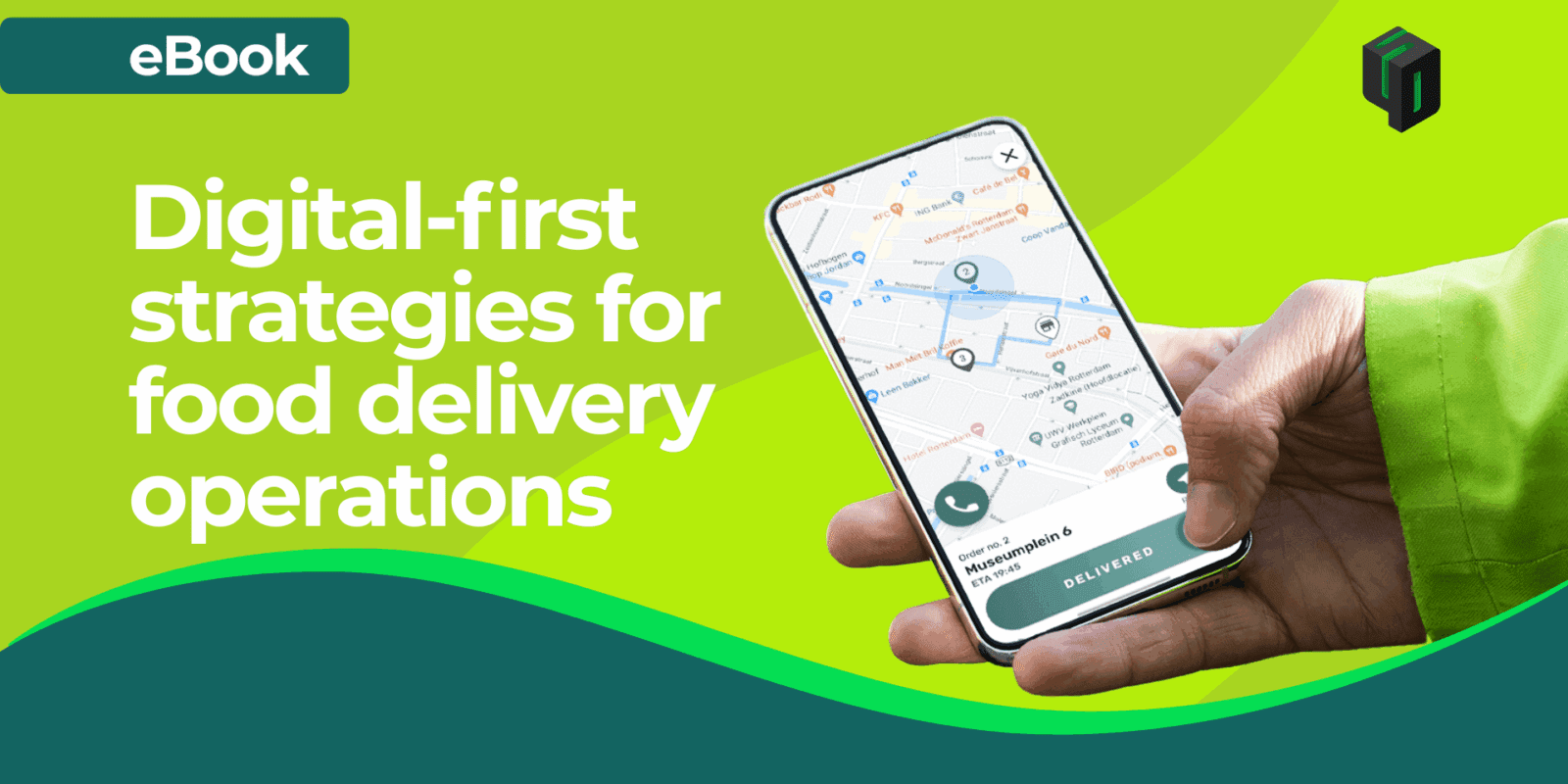
Deep-dive into what a true omnichannel solution looks like for a multi-location QSR chain.
Daan Bakker
Management